Try Hair Color Before You Commit: AI Simulator Guide
35% off on product page · save $3.76
Try Hair Color Before You Commit: AI Simulator Guide
Start With a Clear Picture of Your Goal
Before trying on colors, consider how much change you want. Are you looking for a subtle refresh that stays close to your current shade? Would you prefer a warmer or cooler tone, or are you ready for a dramatic transformation? Knowing your starting point can keep a long list of options from feeling overwhelming.
Choose a clear photo taken in natural light, with your hair visible around your face and through the lengths. Minimal filters are best: heavy editing can change the apparent color of both your hair and skin. If possible, use a photo that shows how you usually wear your hair, so the preview feels relevant to your everyday look.
Treat each virtual result as an approximation rather than a promise. Lighting, screen settings, and your original hair color can all affect what you see. A shade that appears soft on one screen may look brighter or deeper in another setting.
Compare Shades Before You Commit
We suggest starting with a few colors one or two shades away from your current color. That gives you a useful reference before you explore more noticeable changes. Save the shades that catch your eye, then compare them side by side instead of making a decision from a single preview.
Your preferences matter more than a fixed rule about which shade you should wear. Look for the warmth, depth, and contrast you enjoy around your face.
Featured in this guide
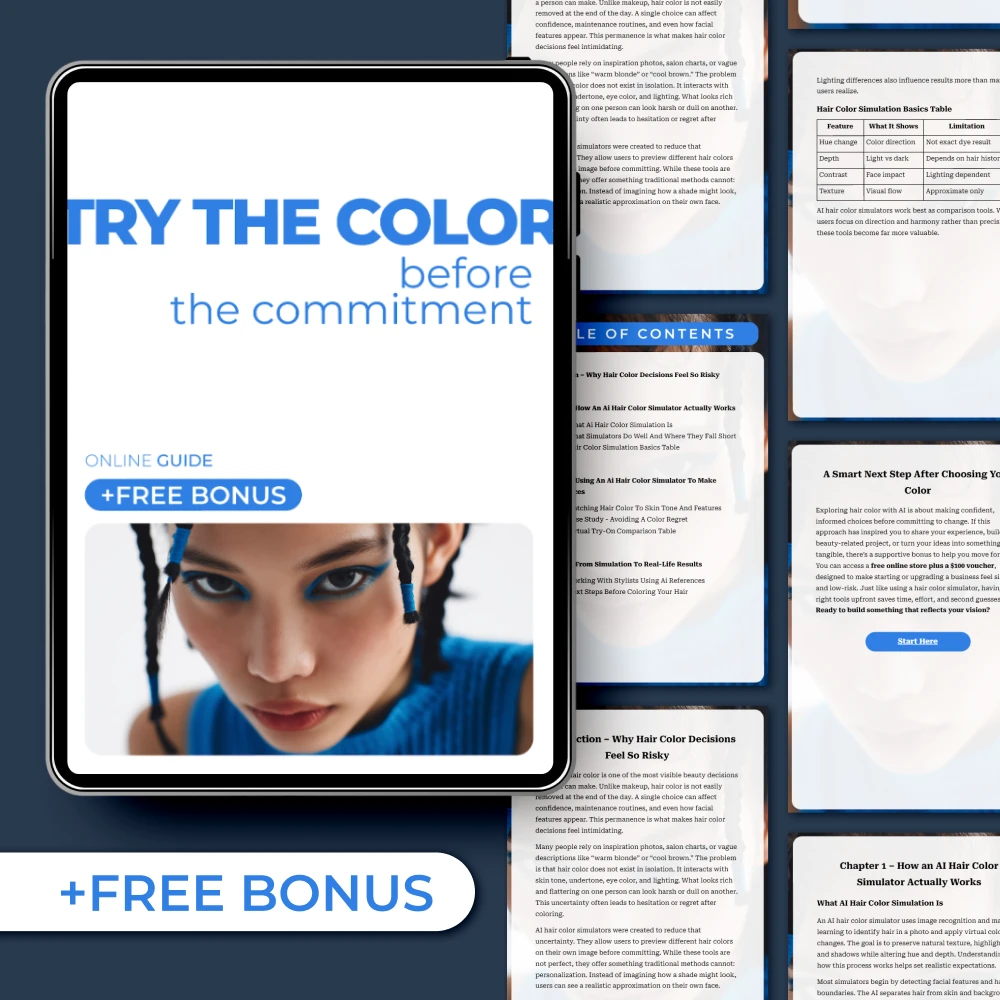
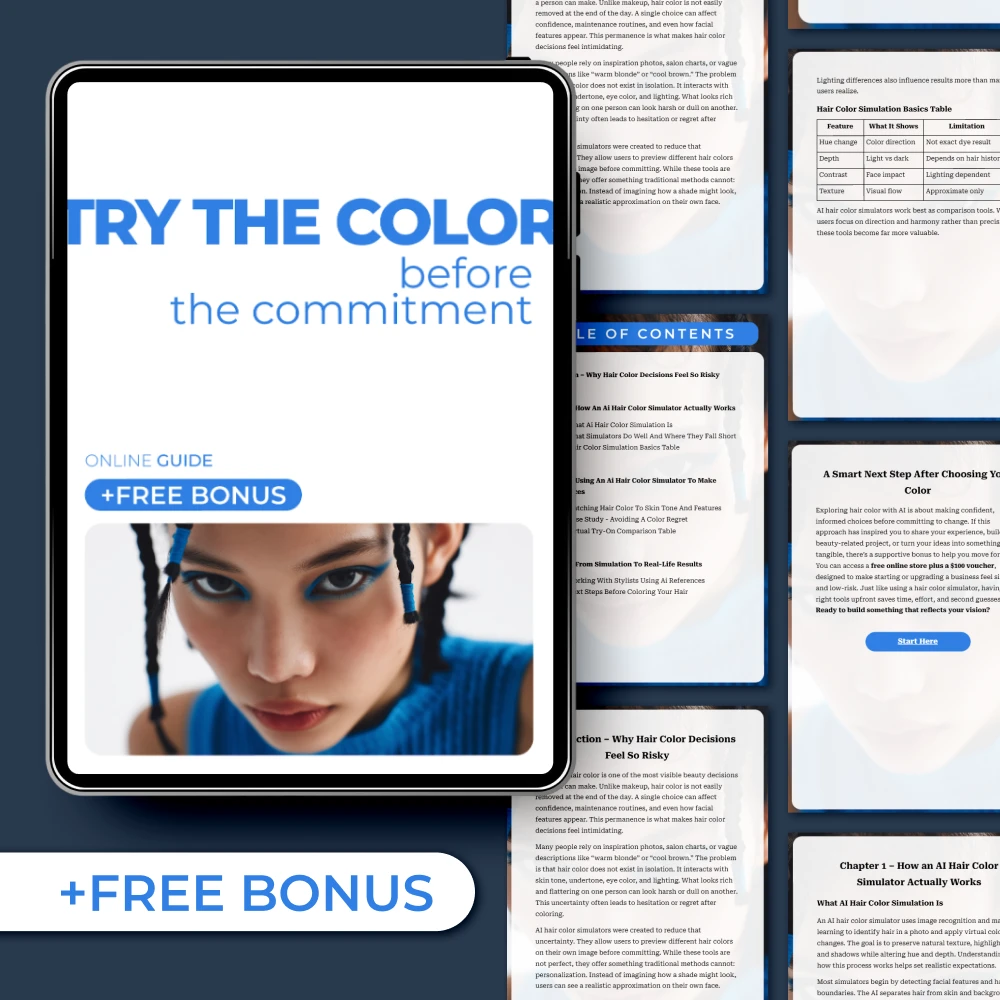
Try the Color Before the Commitment: AI Hair Color Simulator Guide for Perfect Hair Color Choices
Hair Color Directions to Explore
- Soft and natural: Try colors one or two shades from your current color for a potentially more gradual change.
- Warm: Compare golden brown, copper, or honey blonde against your complexion in different lighting.
- Cool: Explore ash brown, cool blonde, or deep espresso and consider the contrast you prefer.
- Bold: Preview vivid red or pastel shades, then ask a stylist about lightening and upkeep.
Make a Practical Color Plan
Compare your favorites alongside an unfiltered photo of your current hair. A larger change may make root growth more noticeable and require more frequent appointments or color refreshes. Consider your budget and the time you want to spend on upkeep.
Your hair’s condition and color history matter. Previous dye, lightening, or damage can affect what is achievable. Ask a stylist about the steps involved and whether a gradual approach makes sense.
If you color your hair yourself, follow the dye instructions and safety warnings, including any recommended skin test.
Explore the Hair Color Simulator Guide
Our Explore the AI hair color simulator guide is an option if you want a resource for planning your next shade. A guide can support your decision, but your final color will still depend on your hair and the process you choose.
If you also enjoy using AI tools for everyday writing, our AI-Powered Thank You Note Checklist is a separate resource for planning a thoughtful note.
Before choosing, compare the product details with your daily routine, available space, care needs, and preferred setup. The strongest option is usually the one that fits the intended use clearly and remains simple to clean, store, and check before repeat use.
It is also worth checking measurements, material notes, included parts, and compatibility details so the item matches the way it will be used after delivery.
Before choosing, compare the product details with your daily routine, available space, care needs, and preferred setup. The strongest option is usually the one that fits the intended use clearly and remains simple to clean, store, and check before repeat use.
FAQ
Is there a free app to try on hair colors?
Some virtual try-on apps offer free options, but their features and pricing vary. Check current terms and privacy settings before uploading a photo.
How can I find out what hair color looks best on me?
Compare several virtual shades using a photo taken in natural light, and consider the contrast and upkeep you prefer. A stylist can help you assess what is achievable from your current color.
What hair color makes you look younger?
There is no universally youthful hair color. Explore the depth and warmth you like around your face, taking your complexion and personal preferences into account.
How can I see what I look like with different hair colors?
You can use a virtual hair color try-on tool with a clear, minimally filtered photo. Compare several previews, remembering that the on-screen results are approximations.
See if Try the Color Before the Commitment: AI Hair Color Simulator Guide for Perfect Hair Color Choices fits your setup



Leave a comment